How to prompt Gemini 2.5 Flash Image Generation for the best results- Google Developers Blog
Aug 28, 2025Philipp Schmid, Logan Kilpatrick, Alisa Fortin
Summary
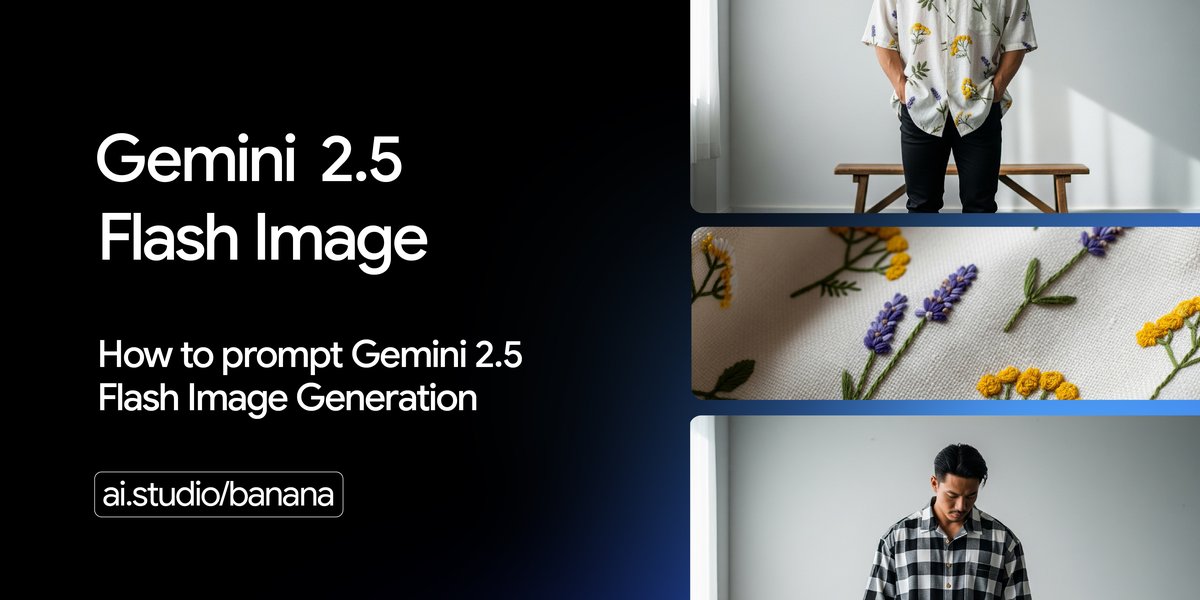
This post provides a guide on how to effectively prompt Gemini 2.5 Flash Image Generation for optimal results. It details techniques for text-to-image generation, including photorealistic scenes, stylized illustrations, accurate text rendering, product mockups, minimalist designs, and sequential art. It also covers image editing capabilities such as adding/removing elements, inpainting specific areas, style transfer, and advanced composition by combining multiple images. The post emphasizes descriptive prompting and provides templates and examples for each use case.
More from the Diffusion Models for Text Generation trail
- DiffusionGemma: The Developer Guide- Google Developers Blog
- Introducing Veo 3.1 and new creative capabilities in the Gemini API- Google Developers Blog
- Own your AI: Learn how to fine-tune Gemma 3 270M and run it on-device- Google Developers Blog
- Gemini 2.5 Flash Image now ready for production with new aspect ratios- Google Developers Blog
- Unlocking Multi-Spectral Data with Gemini- Google Developers Blog