Acceptance Testing UI using Visual Studio 2010 Microsoft Test Manager and Fit style tables
Apr 13, 2012Charles Sterling
Summary
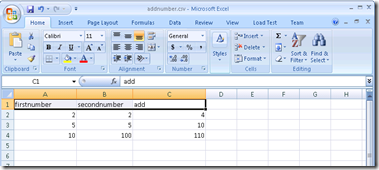
This post details how to create data-bound Coded UI Tests using Microsoft Test Manager and Fit-style tables in Visual Studio 2010. It outlines the steps for creating test cases, recording actions, generating Coded UI tests, data-binding them to CSV files, and using the 'Params' object to set input values from the data source. It also mentions the option to change the data access method from sequential to random.
More from the Coded UI Test Deprecation and Alternatives trail
- Changes to Coded UI Test in Visual Studio 2019
- Troubleshooting launch issues with xaml based apps using Coded UI Test
- Coded UI Test Extensibility V2
- Coded UI testing support for Silverlight using Visual Studio 2013
- Test controllers are not visible or marked offline in MTM when multiple versions of MTM are installed