Changing fields on the Visual Studio Extension Gallery page
Aug 29, 2012Charles Sterling
Summary
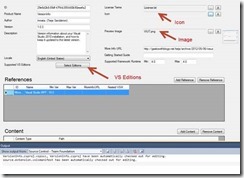
This post details how to modify the VSIX manifest file to change fields on the Visual Studio Extension Gallery page, specifically addressing 'Supported Versions' and 'Supported Visual Studio 2010 Editions'. It explains how to edit the manifest as an XML file to add support for multiple Visual Studio versions (e.g., 10.0 and 11.0) and their editions, and notes that the VSIX format has changed in VS 2012 but older formats are still supported.
More from the Visual Studio Extension Manifest Configuration trail
- Turn your infrastructure into code with Chef, and update your Assembly information with May's Team Services Extensions Roundup
- Test & Feedback extension - Create artifacts
- Test & Feedback - Capture your findings
- Install Visual Studio Marketplace extensions directly to Team Foundation Server
- The Team Services extension for Visual Studio Code now supports Team Foundation Server 2015 Update 2 and later