Coded UI Test: Configuring Search Properties while recording on Internet Explorer
Dec 10, 2012Sai Krishna Vajjala [MSFT]
Summary
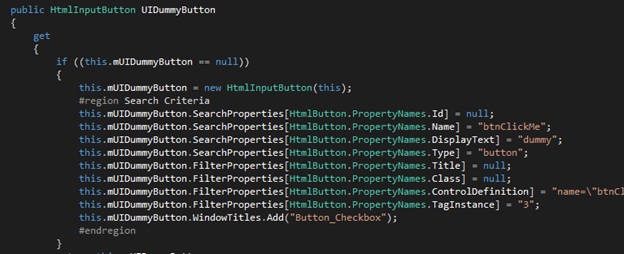
Introduces a new feature in Coded UI Test (VS Update 1) that allows users to configure search and filter properties for controls during recording, specifically for Internet Explorer. This customization is managed via an XML configuration file (IEPropertyConfiguration.xml) and an XSD validator. Users can add, remove, or interchange properties for different control types. The post also details the 'ApplySmartConfiguration' attribute, which controls whether Coded UI Test applies its own smart logic (like auto-property interchange) on top of user configurations, and outlines various property-specific validations and restrictions.
More from the Coded UI Test Deprecation and Alternatives trail
- Changes to Coded UI Test in Visual Studio 2019
- Troubleshooting launch issues with xaml based apps using Coded UI Test
- Coded UI Test Extensibility V2
- Coded UI testing support for Silverlight using Visual Studio 2013
- Test controllers are not visible or marked offline in MTM when multiple versions of MTM are installed