Collecting Advanced Agent Diagnostics Data in Cloud-based Load Test
Jul 31, 2015[email protected]
Summary
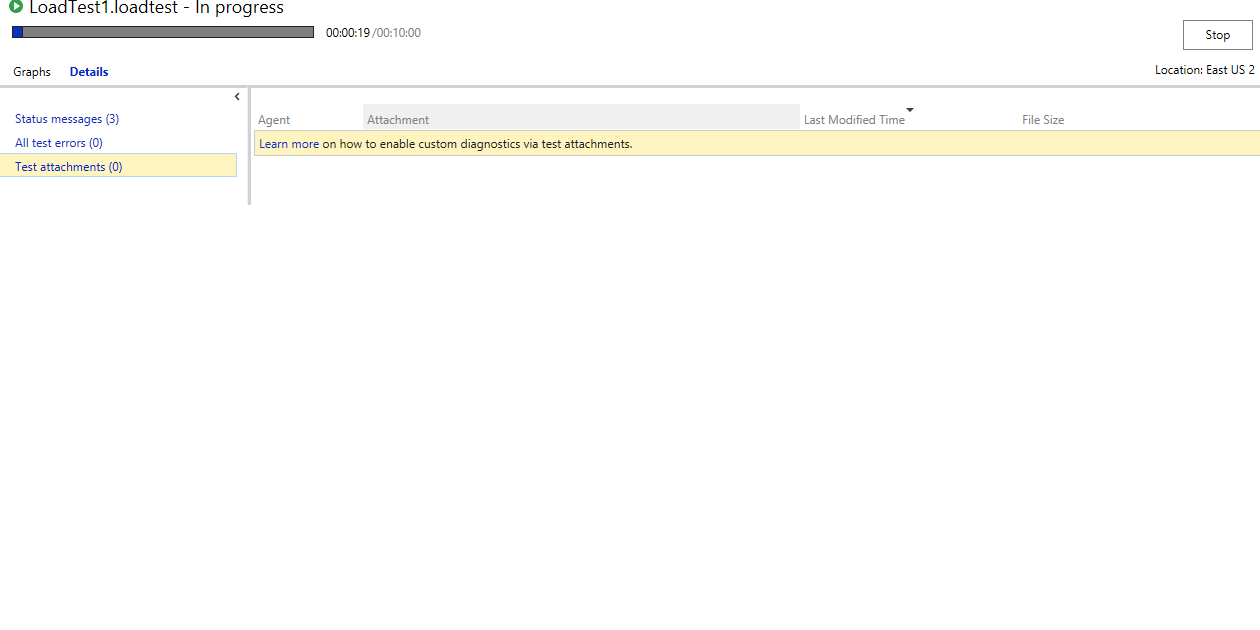
This post introduces the ability to collect advanced agent diagnostics data directly from the Visual Studio UI for cloud-based load tests. Previously, debugging cloud agents was difficult due to inaccessibility. This new feature allows users to queue load tests, access a 'Test Attachments' section in the 'Details' tab, and view/download diagnostic files generated by unit tests (redirected to the 'Results Directory') or trace statements. It also highlights the 'Traces.log' file containing all trace logs from unit tests and mentions a UI limit of 2000 logs.
More from the Azure Load Testing trail
- Integrate Azure Load Testing into Azure DevOps
- Cloud-based load testing service end of life
- Cloud-load testing service is hyper-scale ready: lessons from generating 1M concurrent user load
- Run cloud-based load tests using your own machines (a.k.a. Bring your own subscription)
- Testing private/intranet applications using Cloud-based load testing