Deploying an Azure Ubuntu Linux VM Running Apache Tomcat for use with Visual Studio Team Services and Team Foundation Server
Aug 18, 2016David Staheli
Summary
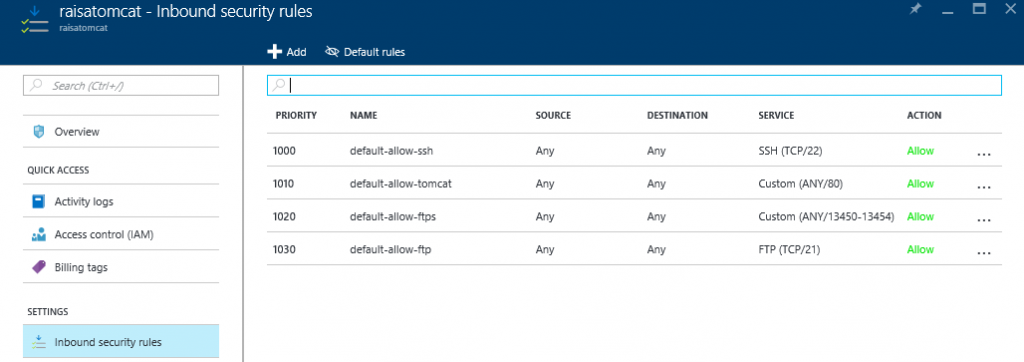
This post details the setup and configuration of an Azure Ubuntu Linux VM running Apache Tomcat to support deployment tasks from Visual Studio Team Services and Team Foundation Server. It covers creating the VM in Azure, installing Apache Tomcat, configuring services like mod-jk, and setting up inbound security rules for traffic. It also introduces three distinct deployment methods: the Apache Tomcat Deployment task, the Copy Files over SSH task, and the FTP Upload task, providing a walkthrough for each.
More from the Azure Pipelines Agent Operating System Support trail
- April Patches for Azure DevOps Server and Team Foundation Server
- CDN Domain URL change for Agents in Pipelines
- Announcing the General Availability of Managed DevOps Pools (MDP) for Azure DevOps
- Announcing Public Preview of Managed DevOps Pools (MDP) for Azure DevOps
- End of support for Azure Pipelines agents running on CentOS 6, Debian 4.9, Fedora 32, Ubuntu 16, macOS 10.14, and older versions