Enabling Coded UI Test playback logs in Visual Studio 2012 Release Candidate
Jun 5, 2012Charles Sterling
Summary
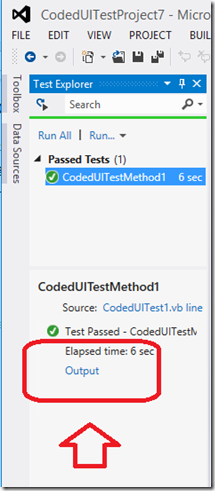
This post details how to enable Coded UI Test playback logs by modifying the QTAgent32.exe.config file. It provides specific XML configurations for `<system.diagnostics>` switches (EqtTraceLevel set to 4 for verbose) and `<appSettings>` (EnableHtmlLogger, EnableSnapshotInfo, LogSizeLimitInMegs, etc.). It also shows how to access the generated UITestActionLog.html file from the Test Explorer results.
More from the Coded UI Test Deprecation and Alternatives trail
- Changes to Coded UI Test in Visual Studio 2019
- Troubleshooting launch issues with xaml based apps using Coded UI Test
- Coded UI Test Extensibility V2
- Coded UI testing support for Silverlight using Visual Studio 2013
- Test controllers are not visible or marked offline in MTM when multiple versions of MTM are installed