Get Application Performance data during load runs with Visual Studio Online
Apr 6, 2014Manas Maheshwari
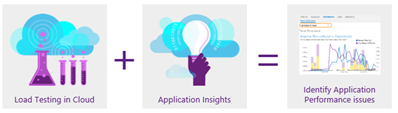
Summary
This post details the integration of Azure Load Testing with Application Insights to collect and analyze application performance data during load runs. It outlines the steps for configuring this integration, including verifying cloud-based load testing, ensuring the latest Visual Studio updates, installing Application Insights on the target machine, connecting the Visual Studio IDE to Visual Studio Online, and adding application monitoring to load tests. It highlights that pre-selected counters like CPU, Memory, PerformanceEventsPerSec, and ExceptionsPerSecond are available, along with the option to select NetworkIO and DiskIO. The post also explains how to perform root cause analysis using the Application Insights link.
More from the Azure Load Testing trail
- Integrate Azure Load Testing into Azure DevOps
- Cloud-based load testing service end of life
- Cloud-load testing service is hyper-scale ready: lessons from generating 1M concurrent user load
- Run cloud-based load tests using your own machines (a.k.a. Bring your own subscription)
- Testing private/intranet applications using Cloud-based load testing