Getting Started with Git in Visual Studio and Team Foundation Service
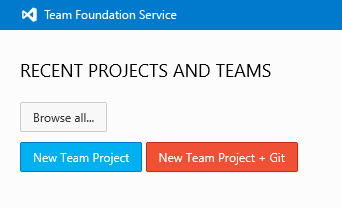
This post announces the availability of Git for Visual Studio and Team Foundation Service, detailing the setup process for Visual Studio 2012 Update 2 CTP and Visual Studio Tools for Git. It explains the choice between TFVC and Git for new team projects, highlighting the strengths of each. The post walks through creating a Git team project, connecting to it from Visual Studio, cloning repositories (both from TFS and other Git hosters), and starting new projects under local version control. It also covers customizing Git settings, committing changes locally with work item association, pulling and pushing changes, creating and using branches, resolving conflicts using Visual Studio's built-in tools and command-line options, viewing history, and exploring the web access interface for repositories, including the Explorer view, History view, and file comparison.