How to install RM Azure extension and use the Azure VM in Release Management
Nov 10, 2014Ashok Kirla
Summary
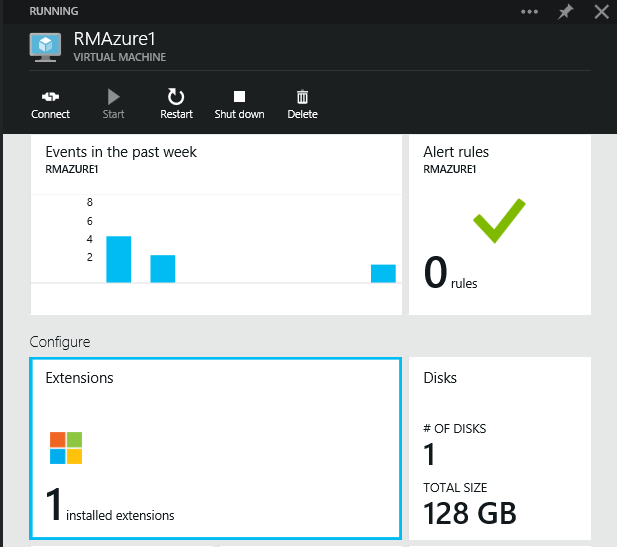
This post details the installation of the Visual Studio Release Management Azure extension on Azure VMs. It outlines the steps to add the VM as a vNext Azure Server in Release Management by first installing the extension on the VM, then adding the Azure subscription details to the Release Management server, creating a vNext Azure environment, linking it to the Azure subscription and cloud services, and finally linking the Azure VMs as servers for the environment. It also covers adding configuration variables for servers.