Load Testing from different geographies with Cloud-based load testing
Sep 14, 2015Charles Sterling
Summary
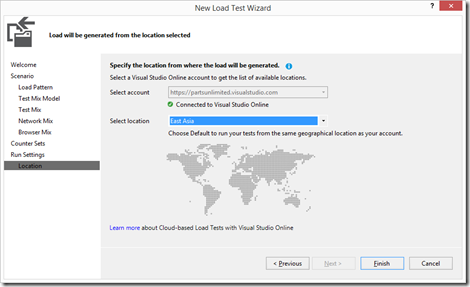
This post details a method for distributing load across different geographic locations in Azure Load Testing, even without a direct UI multi-select feature for locations. It explains how to achieve this by creating multiple copies of a load test, each configured with a specific geographic location and user count, and then executing these tests either manually or via the command line. It also references a related post on using mstest.exe for command-line execution and XAML builds.
More from the Azure Load Testing trail
- Integrate Azure Load Testing into Azure DevOps
- Cloud-based load testing service end of life
- Cloud-load testing service is hyper-scale ready: lessons from generating 1M concurrent user load
- Run cloud-based load tests using your own machines (a.k.a. Bring your own subscription)
- Testing private/intranet applications using Cloud-based load testing