Moving from the server-client versions of Release management to the web-based one in VS Team Services and TFS
Nov 18, 2015Vijay Machiraju
Summary
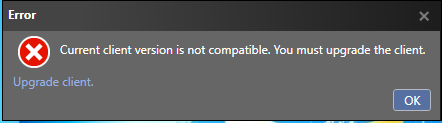
This post provides guidance on migrating from older, client-based versions of Release Management (Server 2013/2015) to the newer web-based Release Management service in Visual Studio Team Services (VSTS) and Team Foundation Server (TFS). It outlines strategies for moving from vNext release templates and agent-based release templates, including leveraging PowerShell/DSC scripts and exploring marketplace extensions or migration tools. It also addresses client version compatibility errors when connecting to the VSTS RM service.
More from the Azure DevOps Pipelines for Dev-to-Prod Promotion trail
- Azure Developer CLI: From Dev to Prod with Azure DevOps Pipelines
- Azure Developer CLI: From Dev to Prod with One Click
- February Patches for Azure DevOps Server
- Revolutionizing Requirement Gathering: Azure DevOps Meets Azure OpenAI using Semantic kernel
- Deploy a Java application to Azure App Service using GitHub Actions