Using Coded UI to test XAML-based Windows Phone apps
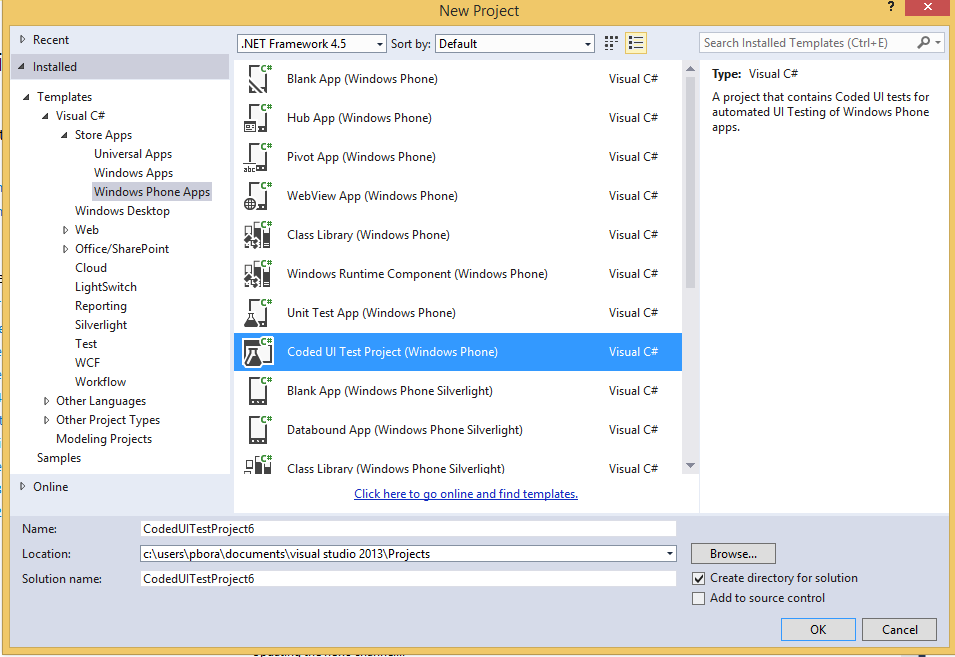
This post details the essentials of creating a Coded UI test for XAML-based Windows Phone apps using Visual Studio 2013 Update 2 RC. It covers using the Coded UI test builder to spy on UI controls and generate a UIMap, interacting with UI elements using specialized Xaml* classes (e.g., XamlButton, XamlEdit) from the Microsoft.VisualStudio.TestTools.UITesting.WindowsRuntimeControls namespace, and handling Shell controls as UITestControl. It also explains how to launch apps using the XamlWindow.Launch API and the app's AutomationId, execute tests from Visual Studio or the command-line using vstest.console.exe with a runsettings file, and data-drive tests using the DataRow attribute. Key differences between Coded UI for Windows and Windows Phone apps are highlighted, including target execution environments, command-line execution requirements, specialized classes for shell controls, WebView control support, and data-driving methods. Limitations such as the lack of action step recording and support only for XAML-based store apps are also noted.
More from the Coded UI Test Deprecation and Alternatives trail
- Changes to Coded UI Test in Visual Studio 2019
- Troubleshooting launch issues with xaml based apps using Coded UI Test
- Coded UI Test Extensibility V2
- Coded UI testing support for Silverlight using Visual Studio 2013
- Test controllers are not visible or marked offline in MTM when multiple versions of MTM are installed