What's new for Microsoft Test Manager in Visual Studio 11 Beta
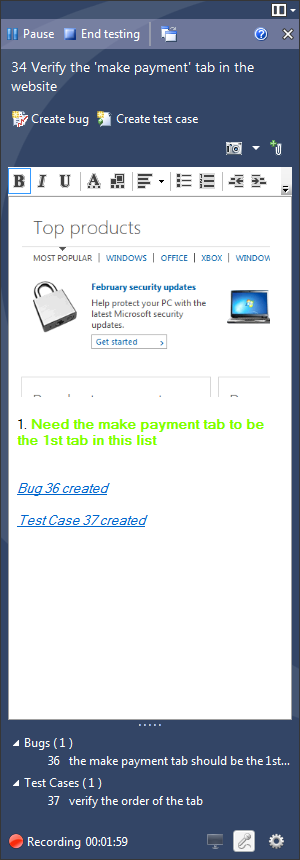
Introduced significant performance improvements in Microsoft Test Manager (MTM) for various scenarios including connecting to plans, displaying tests, starting testing, saving bugs, listing runs, and creating lab environments. Added a new activity for exploratory testing, allowing users to create rich actionable bugs and regression test suites without a pre-existing test plan. Enabled multi-line support for test steps using ALT+ENTER. Implemented test data reduction by default, uploading only trx and data collector attachments, not deployment items or test binaries, unless code coverage is enabled. Added the ability to clone test suites with test cases across plans using the tcm.exe utility. Introduced rich text formatting for test steps. Improved the usability of the test steps grid with a splitter and accessibility fixes. Added the ability to access test case work items in the Test Runner via a hyperlink. Introduced the ability to mark test case results (pass/fail) directly in the 'Run Tests' activity without launching the Test Runner. Added a Results tab in the Plan Activity for viewing test plan result status by configuration and suite.