Meet Jules Tools: A Command Line Companion for Google’s Async Coding Agent- Google Developers Blog
Oct 2, 2025Jiahao Cai, AK Kulkarni
Summary
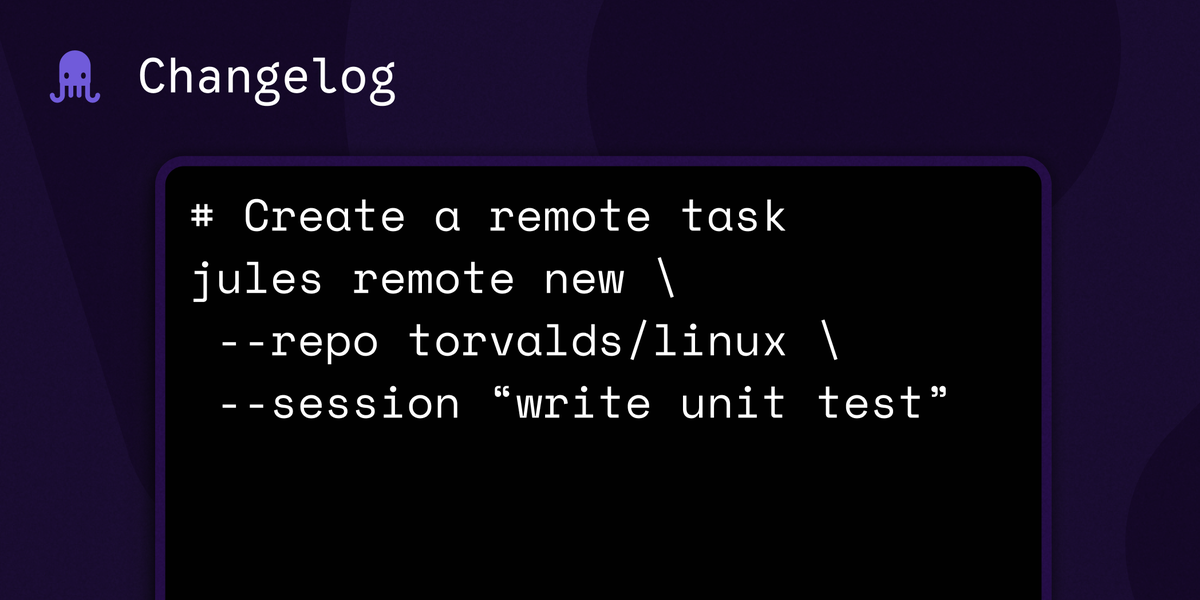
This post introduces Jules Tools, a command-line interface (CLI) and terminal user interface (TUI) for interacting with the Jules asynchronous coding agent. It details installation via npm, command and flag usage, and provides practical examples of integrating Jules Tools with other CLI tools (e.g., `gh`, `jq`, `gemini`) for tasks like listing repositories, creating remote sessions, assigning sessions from TODO files, and piping GitHub issues to Jules. The TUI offers a dashboard view and step-by-step creation of tasks. The post also outlines the hybrid development philosophy behind Jules Tools, combining local and remote execution with DIY and delegation approaches.
More from the AI-Assisted Spec-Driven Development trail
- The Anatomy of Harness Engineering: How to Evaluate, Iterate, and Guard AI Coding Agents- Google Developers Blog
- Enable on-demand expertise with Agent Skills in Genkit Go- Google Developers Blog
- Agent and Model Evaluations in Gemini Enterprise Agent Platform are now GA- Google Developers Blog
- How to use Google microbenchmarks for evaluating TPU performance- Google Developers Blog
- Evolving Spec-Driven Development: Conductor Now Supports Antigravity- Google Developers Blog