Debugging on your Windows RT Device without a Network Connection
Dec 7, 2012Brad Sullivan
Summary
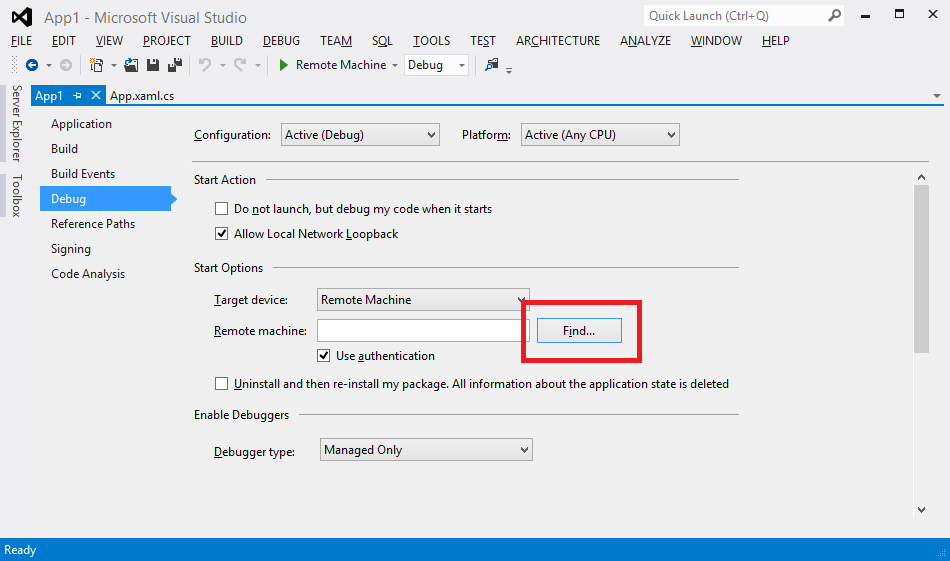
This post details how to debug Windows RT devices without a network connection by using a direct Ethernet cable connection between the development machine and the RT device, and configuring project properties to use this connection. It outlines the necessary hardware (Ethernet cable, USB Ethernet adapter) and the steps for configuring project properties in Visual Studio 2012 for C#, Visual Basic, JavaScript, and C++ projects to establish this direct debugging connection.