Deploying using PowerShell Desired State Configuration in Release Management
Jul 22, 2014Roopesh Nair
Summary
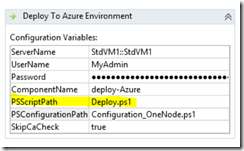
Introduces the ability to use Windows PowerShell Desired State Configuration (DSC) within Microsoft Release Management 2013 Update 3 RC for deployments. Details how to leverage DSC configurations, initialization scripts for environment-specific variables, LCM settings, and custom module installation. Explains the 'PSScriptPath' and 'PSConfigurationPath' action parameters and provides examples for parameterizing DSC scripts, configuring LCM, and installing custom modules.
More from the Azure Cloud Service Deployment with Release Management trail
- Deploying Azure Cloud Service using Release Management
- DevOps style deployment in Visual Studio 2015 preview - Sharing deployment configuration with team
- DevOps style deployment in Visual Studio 2015 preview - A detailed look
- Announcing DevOps style deployments using Visual Studio 2015 Preview and Azure
- Deploying and testing web applications using Release Management