Upgrade your 2012 team project from RTM to Update 2
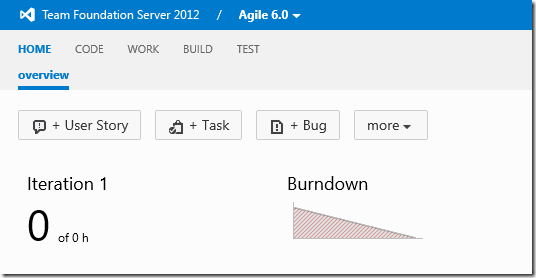
This post details the technical steps required to update existing Team Foundation Server (TFS) team projects from Visual Studio 2012 RTM to Visual Studio 2012 Update 2. It outlines specific modifications to process templates for Scrum, Agile, and CMMI methodologies. For Scrum, it details adding the 'Tags' column to the product backlog and adding missing transitions for 'Bug' and 'Product Backlog Item' (PBI) work items. For Agile, it covers adding the 'Tags' column, adding missing transitions for 'User Story', setting 'ResolvedBy' and 'ResolvedDate' fields in the 'Active -> Closed' transition, and updating reasons in 'Active -> New' and 'Active -> Closed' transitions. For CMMI, it details adding the 'Tags' column, setting 'ResolvedBy' and 'ResolvedDate' fields in the 'Active -> Closed' transition, and setting 'ActivatedBy', 'ActivatedDate', 'ResolvedBy', and 'ResolvedDate' fields in the 'Proposed -> Closed' transition. The post provides specific `witadmin` commands and XML snippets for exporting and importing process configurations and work item types, including modifications to the `ProductBacklog` section and `TRANSITIONS` and `FIELDS` elements within the `WORKFLOW` definition.