Automate publishing your Android application with Bitbucket Pipelines and Gradle
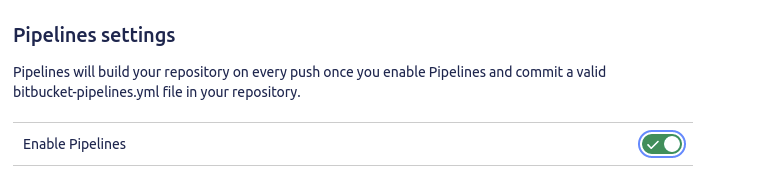
This post details how to automate the publishing of an Android application to Google Play using Bitbucket Pipelines and Gradle. It outlines the necessary prerequisites (Google Developer account, Google Play application), pipeline configuration steps (build environment setup, debug and release builds, testing, publishing to internal track), and the required pipeline variables (GOOGLE_API_KEY_JSON, SIGNING_JKS_FILE, SIGNING_KEYSTORE_PASSWORD, SIGNING_KEY_ALIAS, SIGNING_KEY_PASSWORD). It provides YAML snippets for building, testing, and publishing to the 'Internal' deployment environment using the `gradle-play-publisher` plugin. It also describes how to manually trigger promotions to Alpha, Beta, and Production tracks using Bitbucket Deployments.