Application Insights Microsoft Monitoring Agent setup and trouble shooting FAQ
Dec 11, 2013Charles Sterling
Summary
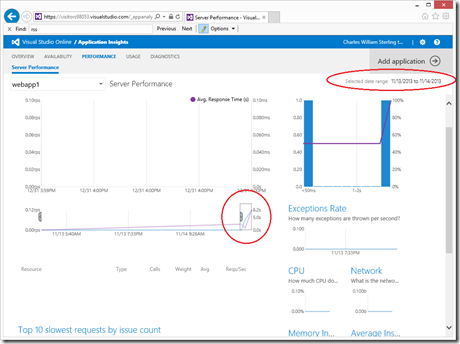
This post addresses common setup and troubleshooting issues for Application Insights, specifically focusing on the Microsoft Monitoring Agent (MMA). It details installation problems related to account/instrumentation keys, locale support, and unsupported Azure environments. It also outlines reasons for not seeing data, such as insufficient waiting time, conflicts with other monitoring tools (TraceLog, Intellitrace, Azure profiling), incorrect time ranges, lack of application traffic, IIS application pool recycling issues, and asynchronous data delays. The post provides detailed steps for checking the Operations Manager event log and restarting the MMA services, along with a comprehensive list of relevant Event IDs for troubleshooting.
More from the Application Insights Deployment Markers trail
- Issue with using Application Insights with load tests
- Monitor Team Services web extensions with Visual Studio Application Insights
- Getting Application Insights counters with Cloud-based Load Testing
- Application Insights: Choose your own Performance Counters
- Introducing the Application Insights SDK for Java