Debugging SharePoint Apps with IntelliTrace in Visual Studio
Dec 11, 2012James Wang (MS)
Summary
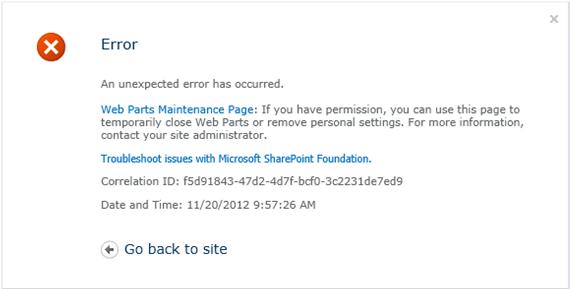
Extended IntelliTrace capabilities to support SharePoint diagnostics in Visual Studio 2012 Update 2. This allows IntelliTrace to collect SharePoint ULS log entries as IntelliTrace events and associate them with Correlation IDs. The post provides a walkthrough demonstrating how to use the standalone IntelliTrace collector on a SharePoint application, open the log in Visual Studio, use the Correlation ID to filter events, and identify the root cause of an error (System.Net.WebException) by examining ULS events and exceptions.
More from the IntelliTrace Stand-Alone Collector Configuration trail
- Searching and filtering the Events tab of the Diagnostic Tools window
- IntelliTrace, method call information, and Edit and Continue
- Finding swallowed and async exceptions using IntelliTrace in VS2015
- Collect data from a windows service using the IntelliTrace Standalone Collector
- IntelliTrace in Visual Studio Enterprise 2015 now supports attach!