Debugging Unhandled Exceptions in a SharePoint App with Visual Studio using IntelliTrace
Feb 5, 2013Tim Varcak (MSFT)
Summary
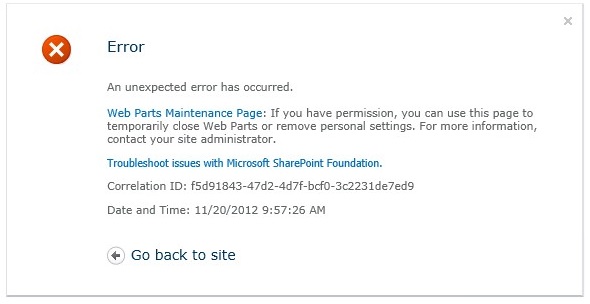
Introduced an 'Analysis' section to the IntelliTrace Summary Page specifically for SharePoint applications. This section automatically identifies and highlights unhandled exceptions, providing a direct link to debug the exception's origin. The walkthrough demonstrates how to collect IntelliTrace logs for a SharePoint application, trigger an unhandled exception, and use the new analysis feature to quickly locate and fix the bug.
More from the IntelliTrace Stand-Alone Collector Configuration trail
- Searching and filtering the Events tab of the Diagnostic Tools window
- IntelliTrace, method call information, and Edit and Continue
- Finding swallowed and async exceptions using IntelliTrace in VS2015
- Collect data from a windows service using the IntelliTrace Standalone Collector
- IntelliTrace in Visual Studio Enterprise 2015 now supports attach!