Implementing custom events in Application Insights
Dec 18, 2013Charles Sterling
Summary
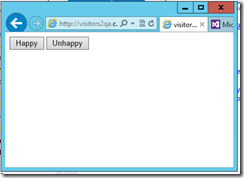
This post details how to implement custom events in Application Insights for ASP.NET web forms. It provides step-by-step instructions for adding the necessary JavaScript to the HTML source, including initializing Application Insights with a site ID and calling `_daAnalytics.trackPage()`. It then demonstrates how to add custom event tracking using the `__da.trackEvent()` function, with examples for 'Happy' and 'Unhappy' button clicks, including event name, page URL, custom properties (e.g., 'Rating'), and numerical values (e.g., 'RatingValue'). The post also explains how to view these custom events and their details within the Application Insights Usage reports.
More from the Application Insights Deployment Markers trail
- Issue with using Application Insights with load tests
- Monitor Team Services web extensions with Visual Studio Application Insights
- Getting Application Insights counters with Cloud-based Load Testing
- Application Insights: Choose your own Performance Counters
- Introducing the Application Insights SDK for Java