Jump to SQL with IntelliTrace
Feb 10, 2014Tim Varcak (MSFT)
Summary
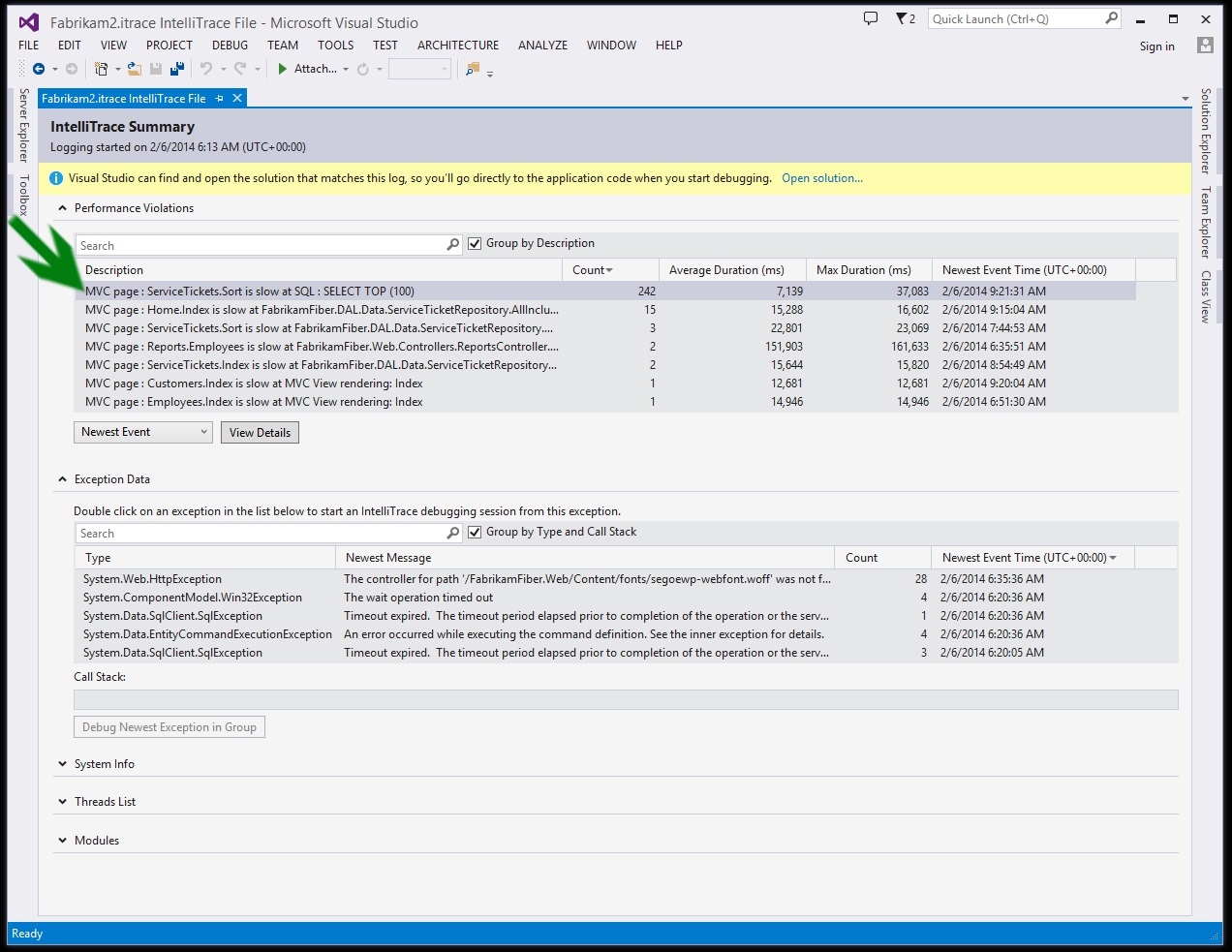
Introduces the ability to jump from ADO.NET events in IntelliTrace files to the Visual Studio SQL editor to diagnose SQL performance issues. This feature, available in Visual Studio 2013 Update 2, allows users to examine the SQL query, including parameters, and use Visual Studio's SQL tools (like execution plans) to investigate performance bottlenecks, such as missing indexes on large tables.
More from the IntelliTrace Stand-Alone Collector Configuration trail
- Searching and filtering the Events tab of the Diagnostic Tools window
- IntelliTrace, method call information, and Edit and Continue
- Finding swallowed and async exceptions using IntelliTrace in VS2015
- Collect data from a windows service using the IntelliTrace Standalone Collector
- IntelliTrace in Visual Studio Enterprise 2015 now supports attach!