Diagnosing Event Handler Leaks with the Memory Usage Tool in Visual Studio 2015
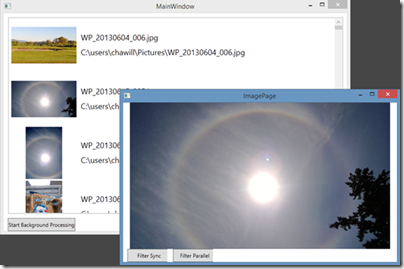
This post details the use of the Memory Usage tool in Visual Studio 2015 RC to diagnose memory leaks, specifically focusing on event handler leaks in .NET applications. It demonstrates how to take memory snapshots before and after exercising code paths, compare them using the Heap View, and inspect individual object instances to identify references preventing garbage collection. The walkthrough uses a sample WPF application to illustrate finding a leak caused by an ImagePage object subscribing to a ListView's SelectionChanged event without unsubscribing, and shows how to fix it by overriding the Window.OnClosed handler. The post also highlights the updated UI of the Memory Usage tool and the 'super-power' of instance inspection when snapshots are taken in a break state.