TFS Kanban board Swim lane customization walk through
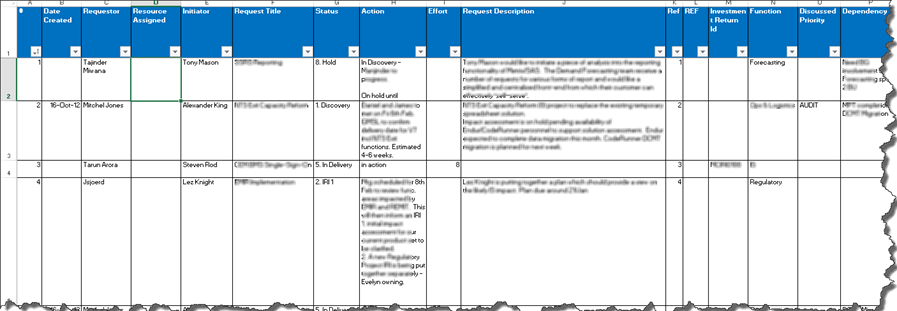
This post details how to customize swim lanes on the TFS Kanban board to better manage the product backlog, specifically for IT demand management. It provides a walkthrough of loading work items from Excel into a Team Project, customizing columns (swim lanes) on the Kanban board to reflect a specific workflow (e.g., Discovery, Investment Return Investigation, To Be Scheduled, In Delivery), and configuring work-in-progress (WIP) limits for each swim lane. It demonstrates how dragging and dropping work items between swim lanes updates their state and logs changes in the work item history. The post also explains how to visualize the swim lane flow using the cumulative flow graph and lists advantages of this new approach, such as visual representation of bottlenecks and audit trails. It also addresses frequently asked questions regarding swim lane functionality.