Blogs›Milvus Feature Trails
See how major capabilities shipped, upgraded, and evolved across Milvus's engineering blog.
Publishing pulse
2019–2026 · peak 2025
261 posts mapped

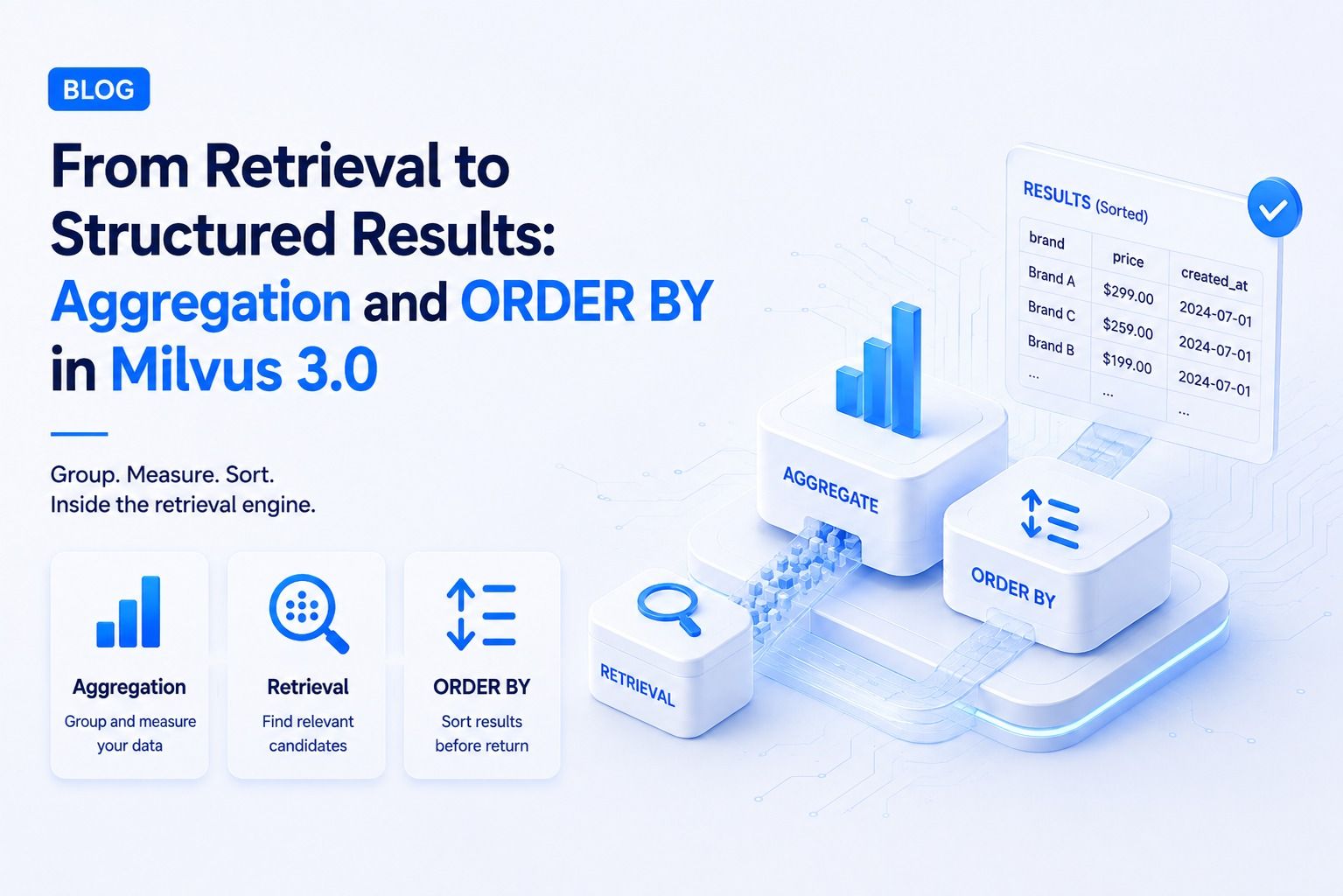
Milvus 3.0 introduces Query Aggregation for exact statistics (count, sum, avg, min, max) with GROUP BY over filtered, visible rows, and Search Aggregation for organizing ANN candidates into buckets with per-bucket metrics and representative hits. Server-side ORDER BY is also added for sorting query results or ANN candidates by scalar fields. These features move complex post-processing logic into the retrieval engine, reducing data movement and improving accuracy for large-scale applications.
Timeline

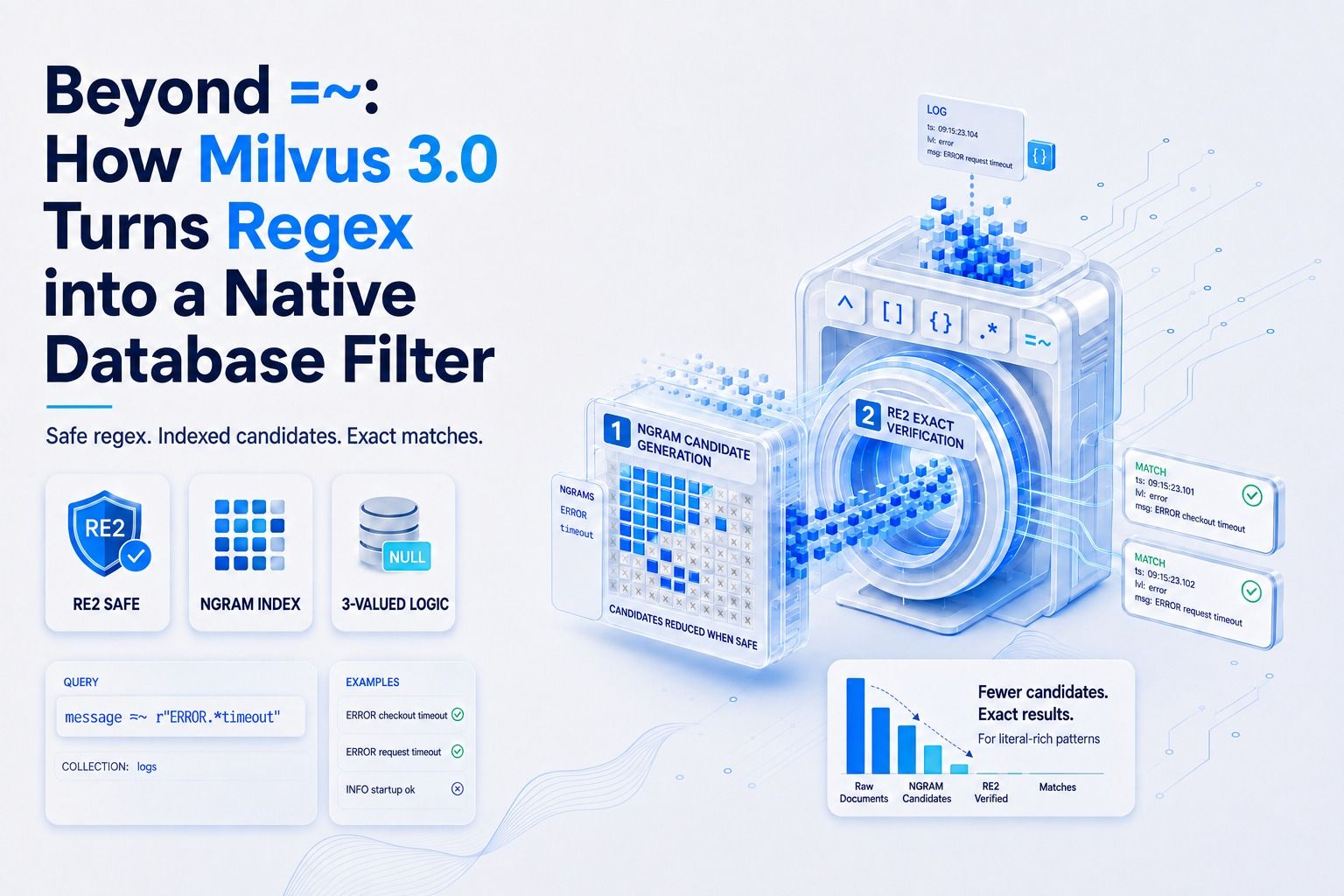
Milvus 3.0 introduces native regex filtering capabilities with `=~` and `!~` operators. This allows for complex string pattern matching directly within database queries, integrating seamlessly with vector search, full-text search, and scalar filters. The implementation leverages RE2 for predictable performance and includes optimizations like NGRAM indexing for efficient candidate generation and filtering. The system handles user-supplied patterns, null semantics, and query planning to ensure predictable cost and accurate results across millions of strings.
Timeline

Milvus 2.3 enhances the AI Data Storage Engine with GPU indexing (RAFT algorithm) for significantly faster QPS, Arm64 support for broader deployment options, upsert functionality for streamlined data management, range search for more precise queries, ScaNN and Growing indexes for improved query speed and real-time data indexing, MMap support for increased capacity, and CDC for higher system availability. Performance optimizations include improved data filtering, increased multi-core CPU utilization. This post introduces CRAG (Corrective Retrieval-Augmented Generation) which leverages Milvus for enhanced RAG systems, focusing on multi-tenant isolation via Partition Key, hybrid retrieval (dense, sparse, scalar metadata filtering) with RRF, and flexible schema management using dynamic JSON fields. It details building a CRAG system using LangGraph middleware and Milvus, addressing retrieval mismatches, stale content, and memory contamination.
Timeline

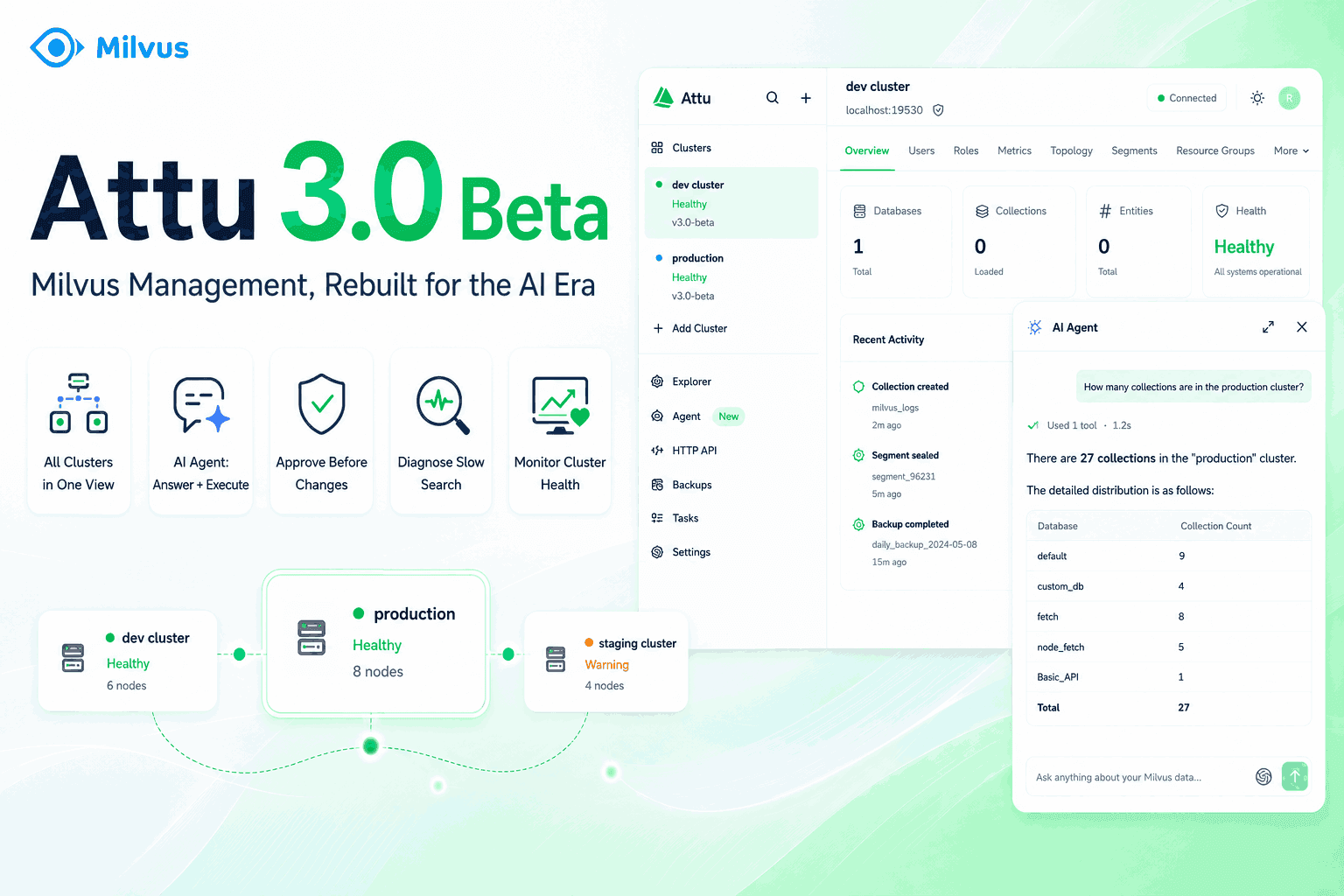
Attu 3.0 Beta represents a significant evolution of the Milvus management console, transforming it from a single-cluster viewer into a comprehensive operations console. Key advancements include multi-cluster management, persistent local state, an integrated AI Agent with over 50 Milvus tools for natural language operations and diagnostics, a redesigned hierarchical data browser, built-in Prometheus metrics dashboards, an API Playground, GUI-based backup and restore, and simplified RBAC workflows. This post details the installation and basic usage of Attu, including collection creation, data import, querying, and vector similarity search, as well as the system view for monitoring node status and topology.
Timeline

The Milvus SDK Code Helper, built on the Model Context Protocol (MCP) and Retrieval-Augmented Generation (RAG), integrates the latest Milvus documentation with AI coding assistants. This ensures AI-generated code is always accurate and up-to-date, bridging the gap between AI-assisted coding and production-ready Milvus applications. It includes tools for generating Python code for common Milvus tasks, converting legacy ORM code to the modern MilvusClient syntax, and translating Milvus SDK code between languages. Milvus MCP uses Server-Sent Events (SSE) for efficient document processing and updates, with specific tools like pymilvus-code-generator, orm-client-code-convertor, and language-translator available.
Timeline

Milvus 2.0 GA introduces a revamped bootcamp with updated guides and code examples for various use cases and deployments, including 1M and 100M vector benchmark tests. It also features solutions for image, video, audio similarity search, recommendation systems, molecular search, and question answering. The bootcamp provides dockerized quick deploy solutions and scenario-specific notebooks for easy deployment and experimentation. It details steps for setting up Milvus servers, creating collection. This post presents performance results and analysis of a Milvus vector database on AVX-512 and AVX2 instruction sets, demonstrating that Milvus performs better on AVX-512 across different index types (IVF_FLAT, IVF_SQ8, HNSW).
Timeline

Milvus's Role-Based Access Control (RBAC) system provides granular control over data access. This post details strategies for implementing multi-tenancy in RAG systems using Milvus, focusing on database-level, collection-level, and partition-level approaches. It highlights database-level multi-tenancy as often suitable for enterprise RAG knowledge bases serving distinct business units, offering strong logical isolation. For enhanced security, it introduces physical resource isolation by mapping. Milvus 2.1 introduces user authentication and TLS connection for enhanced data security. User authentication controls access via username and password, with credentials stored in etcd and encrypted using bcrypt. The Milvus proxy handles authentication requests, caching credentials locally for efficiency. TLS connection encrypts data communication using certificates, ensuring secure data transfer.
Timeline

The Milvus Operator simplifies the deployment and lifecycle management of Milvus clusters on Kubernetes. It automates deployment, scaling, upgrades, and health checks, abstracting away the complexity of managing individual Kubernetes resources and dependencies like etcd, Pulsar, and MinIO. This enables users to describe their desired Milvus state via Custom Resources, with the Operator handling the underlying orchestration and ensuring reliability through continuous monitoring and self-healing capabilities. This post provides a practical guide to deploying a Milvus cluster in cluster-mode on Kubernetes using Helm, including prerequisites, setup steps, and verification of the deployment. It also demonstrates basic data ingestion and similarity search using the pymilvus SDK.
Timeline

Milvus 2.4 enhances search capabilities with multi-vector search for multimodal applications, grouping search for compute efficiency, beta support for sparse vector embeddings (integrating with hybrid search and BM25/SPLADEv2 models), and GPU-accelerated CAGRA index support. It also adds regular expression support for metadata filtering, a scalar inverted index, and a Change Data Capture tool.
Timeline

Milvus SDK v2 introduces a unified API across Python, Java, Go, and Node.js, native asynchronous support, a Schema Cache for performance, and a simplified MilvusClient interface. It also enhances the RESTful API for feature parity with gRPC and introduces the MCP Server for AI integration. The Python SDK's MilvusClient streamlines collection creation, indexing, and loading into a single operation. Milvus 2.2.12 adds RESTful API support for easier access without client installation, and enables v2.0.x CLI commands. Milvus_CLI provides a command-line interface for Milvus, supporting database connection, data import/export, and vector calculations.
Timeline

This post details the process for developers to contribute to Milvus, covering environment setup (local build, Docker), common troubleshooting steps for build issues (Homebrew, Docker, Python, Conan, LLVM), VS Code configuration for C++/Go integration, deployment modes (Lite, Standalone, Distributed) and their core components, running End-to-End (E2E) tests, and the process of submitting pull requests by linking them to issues and following contribution guidelines.
Timeline

Milvus 2.0 introduces a new approach to configuration management when using Docker Compose. Users can now modify the `milvus.yaml` file locally and map it into the Docker containers for both standalone and cluster deployments. This allows for dynamic application of configuration changes, including log format and log file paths, without needing to rebuild images or restart services in a complex manner. The process involves downloading the default configuration and docker-compose files, making loc. This post details setting up Milvus in Google Colaboratory by compiling from source code, bypassing Docker, and running basic operations via the Python SDK, demonstrating an alternative deployment and usage pattern.
Timeline

Milvus Migration tool is introduced to facilitate seamless data transition from Milvus 1.x, FAISS, and Elasticsearch 7.0+ to Milvus 2.x. It supports various data sources, interaction modes (CLI, RESTful API, Go module), and file formats (local, S3, OSS, GCP). The tool handles data retrieval, transformation, and insertion via Milvus SDK's bulkInsert. Specific migration strategies are detailed for Elasticsearch (using scroll API) and Milvus 1.x (parsing meta.json and tables folder). The tool also supports HDF5 files and Milvus to HDF5 export. The MilvusDM tool has been deprecated in favor of the more advanced Vector Transport Service (VTS).
Timeline

Milvus introduces dynamic log level control via an HTTP interface on port 9091, allowing engineers to adjust logging verbosity (debug, info, warn, error, dpanic, panic, fatal) without service restarts. This mechanism leverages the Uber zap logger's http_handler.go module, enabling real-time performance debugging and issue identification.
Timeline

Milvus 2.1 introduces in-memory replicas to enhance read throughput and system availability. This feature allows data segments to be loaded onto multiple query nodes, enabling parallel search requests and improving resilience to query node failures. Configuration involves specifying the replica number during collection loading, with limitations based on available memory.
Timeline

Milvus 2.0 architecture enables real-time data query by orchestrating data loading, management, and query execution across various components. Data is loaded to query nodes from both streaming (log broker) and historical (object storage) sources. Query nodes manage historical data in sealed segments and incremental data in growing segments, with mechanisms for load balancing and failover. Incremental data is filtered by partition using flowgraphs. Real-time queries are processed via query messages. This post details the query task scheduling mechanism, including data block management, task queues, and device selection based on estimated completion time, with optimizations for multi-GPU environments and performance improvements through caching and data loading/computation overlap.
Timeline

Milvus 2.0 introduces a query load balancing mechanism to ensure even distribution of data segments across query nodes. This is triggered by the query coordinator based on RAM usage thresholds and differences between nodes. The process involves transferring segments and updating node information via sealedSegmentChangeInfo messages, ensuring balanced resource utilization and improved search performance.
Timeline

Milvus CLI provides a command-line interface for interacting with Milvus, built using Python's Click library. It supports group commands, sub-groups, custom commands with options and flags, arguments, confirmation prompts, user input prompts, and choices for input validation. The CLI aims to provide a continuous connection to Milvus instances and manage data operations through a conversational interface.
Timeline

Milvus has implemented significant compilation optimization strategies, including dependency decoupling, testing containerization, and leveraging compilation cache tools like CCache. These efforts have resulted in a 60% reduction in average compile times, improving code integration efficiency. Future work includes further parallelization of compilation.
Timeline

Milvus 1.1.0 introduces the ability to specify partitions for `get_entity_by_id()` and `delete_entity_by_id()` operations, significantly improving performance for large datasets by allowing targeted data retrieval and deletion. A new `release_collection()` method was added to manually unload collections from memory, enhancing runtime memory management. Performance improvements were also made to `get_entity_by_id()`, Hnswlib index building, and IVF index training.
Timeline

Milvus has evolved its data file cleanup mechanism. Previously, files marked for soft-delete were hard-deleted after a fixed 5-minute interval. This approach was unreliable, potentially causing query failures if queries exceeded this duration, and led to excessive disk usage due to delayed deletion of combined files. The improved strategy in v0.6.0 uses a reference counting mechanism. Files are hard-deleted only when they are no longer in use by any active task and have been soft-deleted. This ensures timely removal of unused files, reducing disk footprint and improving system reliability.
Timeline